
终端下使用ranger管理文件
0x01 Intro
Ranger 是一个使用vim键位基于python的终端文件管理器,vim用户可以很快上手ranger
官方guide:https://github.com/ranger/ranger/wiki/Official-User-Guide
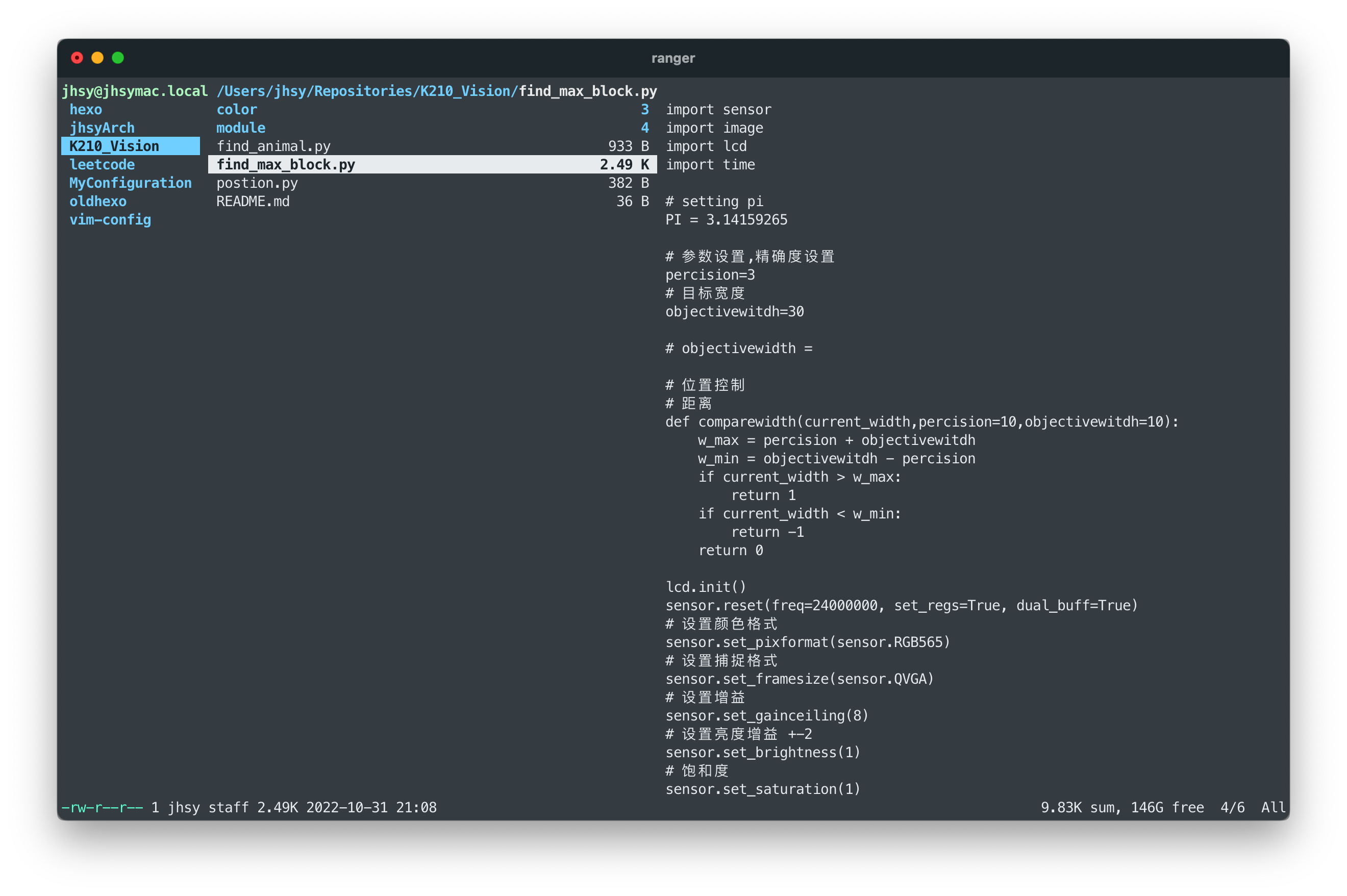
0x02 install
Github地址:https://github.com/ranger/ranger
使用pip安装ranger
1 | pip install ranger-fm |
包管理homebrew 安装rangera
1 | $ brew install ranger |
安装完成后首次首次运行需要安装配置文件,默认不会生成
0x03 configuration
Ranger 使用四个主要的配置文件
* `rc.conf`设置配置变量和键位映射
* `rifle.conf`设置默认程序
* `scope.sh`是一个shell脚本,用来ranger内的预览
* `commands.py`包含ranger内操作函数,可以自己定义不同操作
生成ranger配置文件
1 | ranger --copy-config=rc (rc,rifle,scope,commands) |
默认配置文件路径在~/.config/ranger
0x004 previews
安装preview 插件
参考github 主页
For enhanced file previews (with
scope.sh):
img2txt(fromcaca-utils) for ASCII-art image previewsw3mimgdisplay,ueberzug,mpv,iTerm2,kitty,terminologyorurxvtfor image previewsconvert(fromimagemagick) to auto-rotate imagesrsvg-convert(fromlibrsvg) for SVG previewsffmpeg, orffmpegthumbnailerfor video thumbnailshighlight,batorpygmentizefor syntax highlighting of codeatool,bsdtar,unrarand/or7zto preview archivesbsdtar,tar,unrar,unzipand/orzipinfo(andsed) to preview archives as their first imagelynx,w3morelinksto preview html pagespdftotextormutool(andfmt) for textualpdftoppmto preview as imagedjvutxtfor textual DjVu previews,ddjvuto preview as imagecalibreorepub-thumbnailerfor image previews of ebookstransmission-showfor viewing BitTorrent informationmediainfoorexiftoolfor viewing information about media filesodt2txtfor OpenDocument text files (odt,ods,odpandsxw)pythonorjqfor JSON filesjupyter nbconvertfor Jupyter Notebooksfontimagefor font previewsopenscadfor 3D model previews (stl,off,dxf,scad,csg)draw.iofor draw.io diagram previews (drawioextension)
选择性安装预览插件
1 |
|
0x05 usage
基本光标操作类似于vim 使用hjkl控制光标操作
i检查预览文件,可以使用滚动操作q退出ranger
按键绑定
Command hints show up whenever a mapping has multiple continuations:
gfor navigation and tabsrfor :open_with commandyfor yank(copy)dfor cut/deletepfor pasteofor sort.for filter_stackzfor changing settingsufor “undo”Mfor linemode+,-,=for setting access rights to files